New: Describe Your Own Scene, Style and Wall
What’s new?
Until now every mockup started from a preset: a list of room types, decoration styles, wall shapes and close-up scenes. Those lists are still there. But the first entry in each of them is now Custom…, and picking it opens a short text box where you describe what you want in your own words.
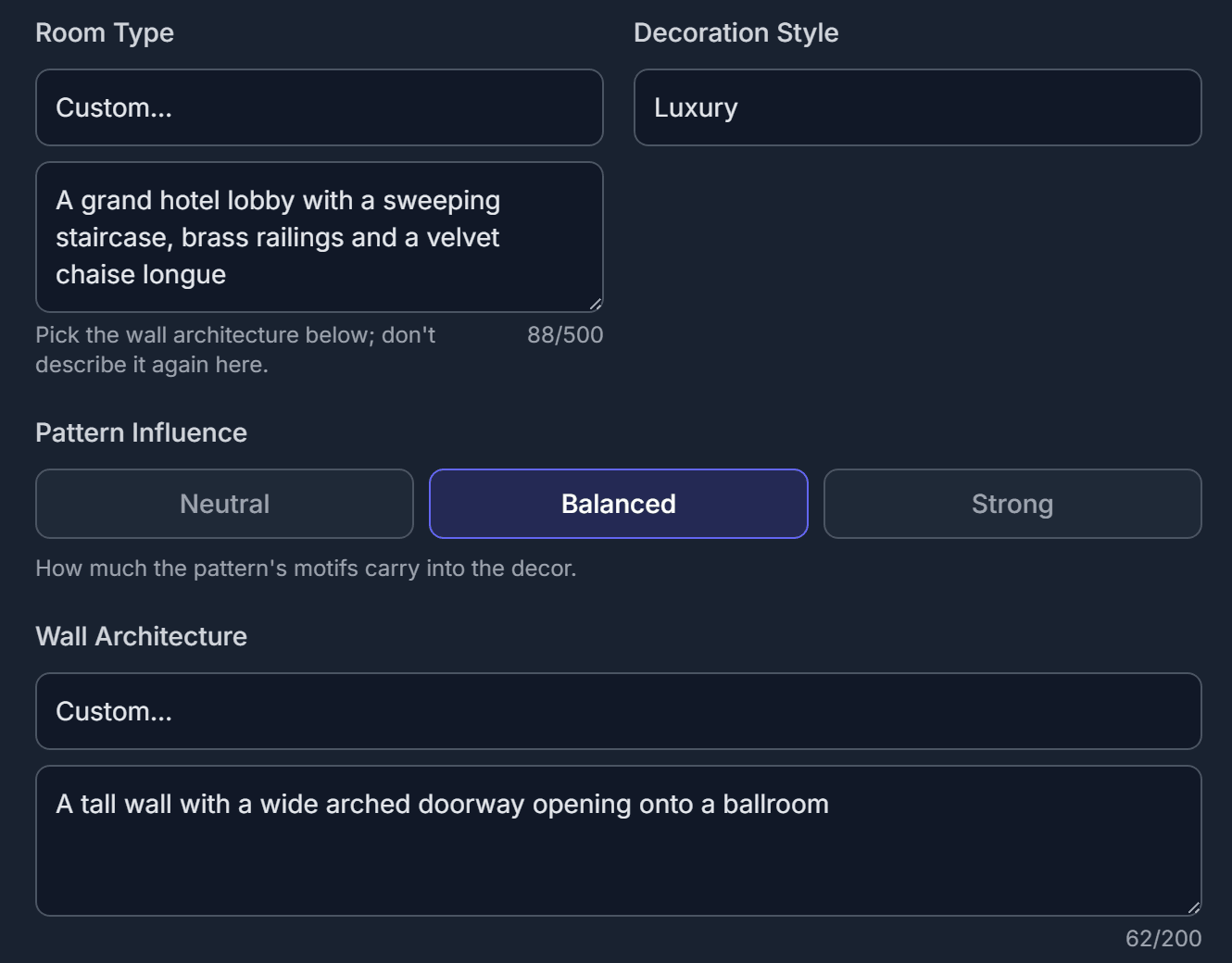
Custom… opens a text box right under the dropdown. Here it is used for the room and for the wall at the same time.
Three things you can now describe
🏛️ The scene
Room Type (wide angle) and Scene Composition (close-up) both accept your own description: a boutique hotel reception, a bookshop café, a stair hall, a music corner with a drum kit. If a client’s space is not in the list, you can still show them their wallpaper in it.
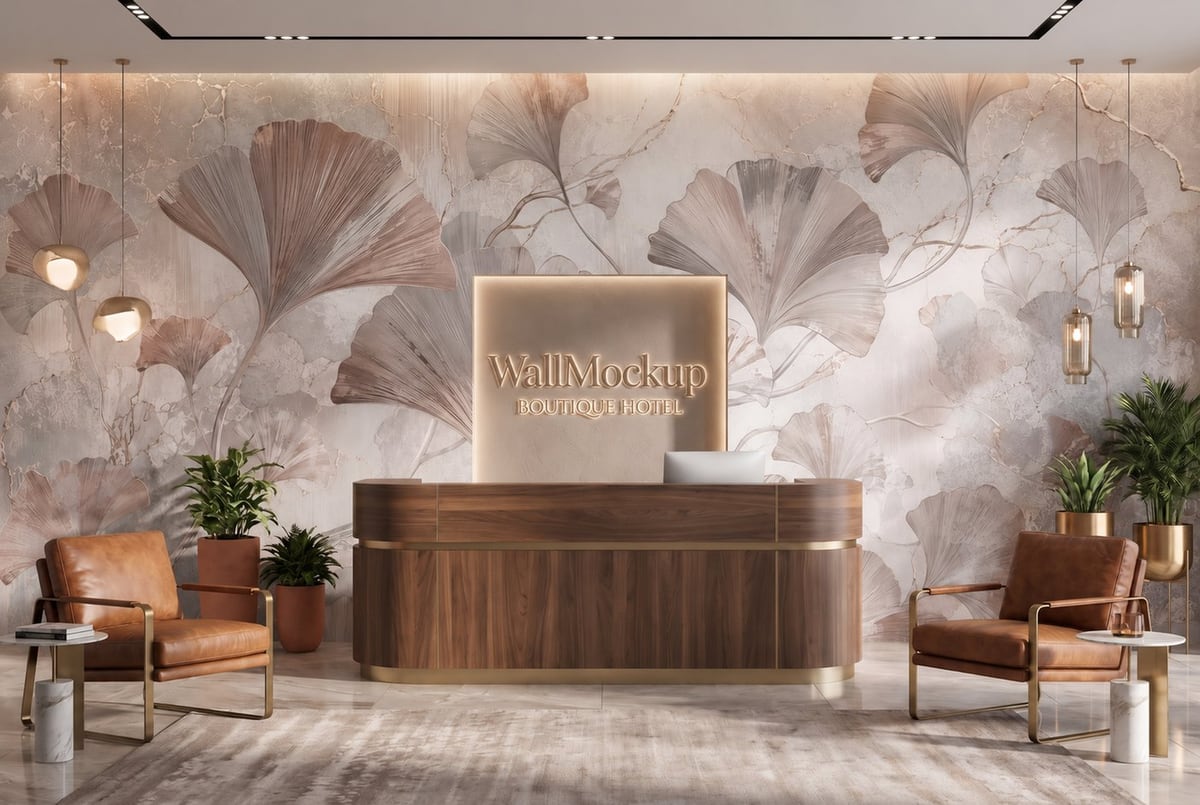
A custom scene: “boutique hotel reception with a curved wooden desk and a logo wall”.
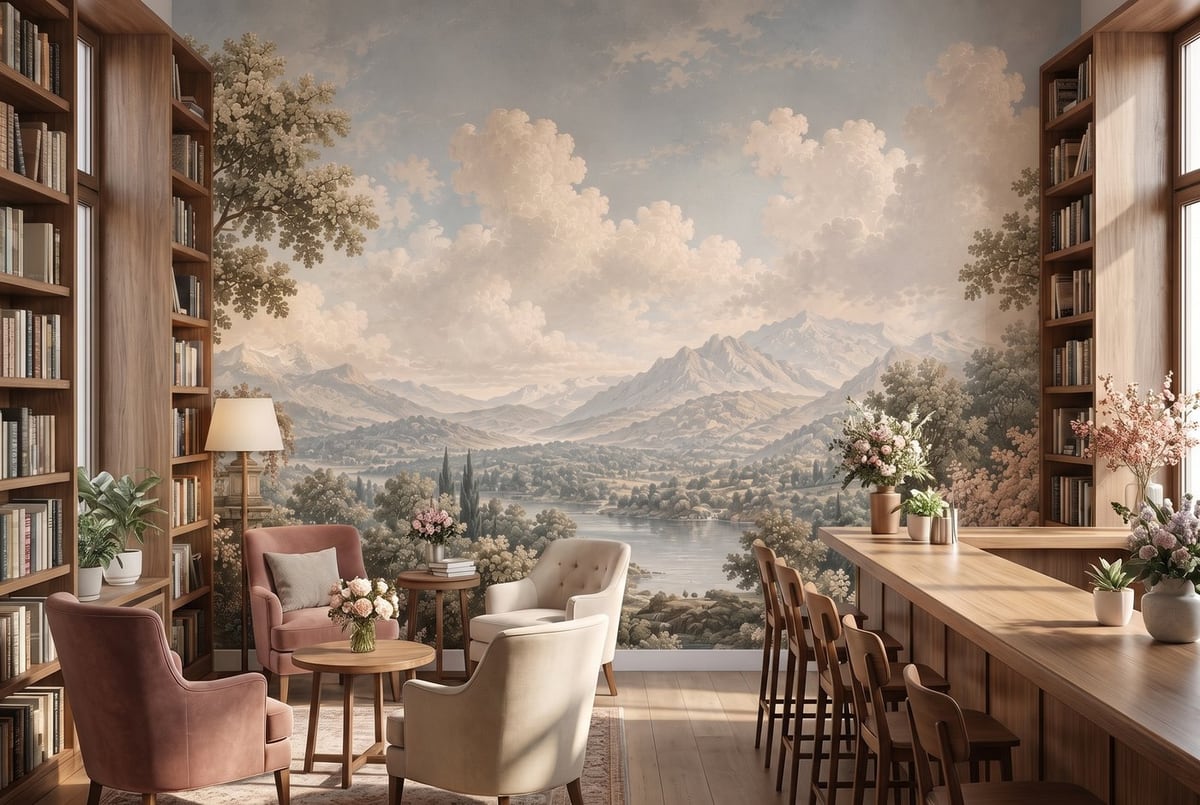
A custom “bookshop café with a reading corner” scene: a commercial space no preset list covers.
🎨 The style
Decoration Style has a Custom… entry too. Describe a look in a few words, for example “Victorian, dark wood, brass and deep red velvet”, and the furniture, colours and accessories follow it. Useful when your brand has a signature look that is not one of the presets.
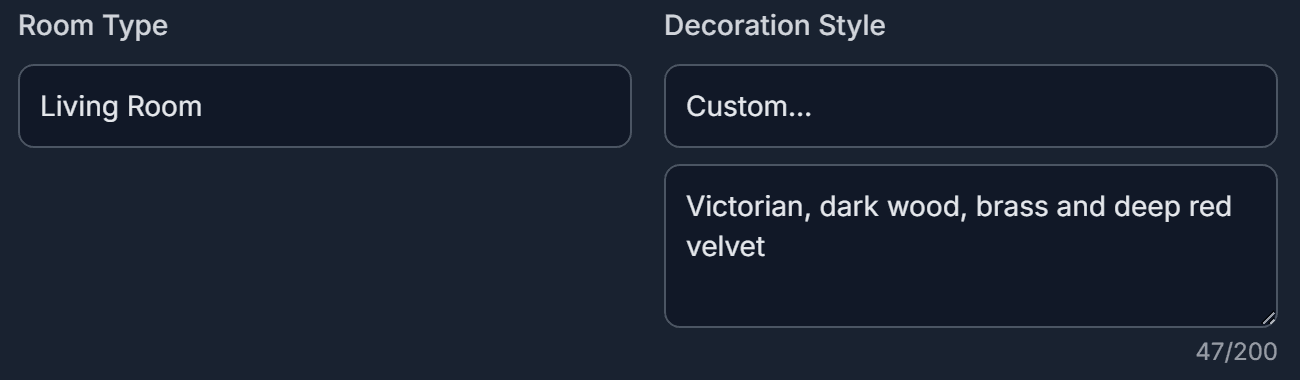
A custom style is a short phrase: materials, colours, era.
🧱 The wall (wide angle)
Wall Architecture is the third axis. Describe the wall itself, such as a tall wall with a wide arched doorway opening onto a ballroom, a niche, or a fireplace surround, and the wallpaper is applied to exactly that wall.
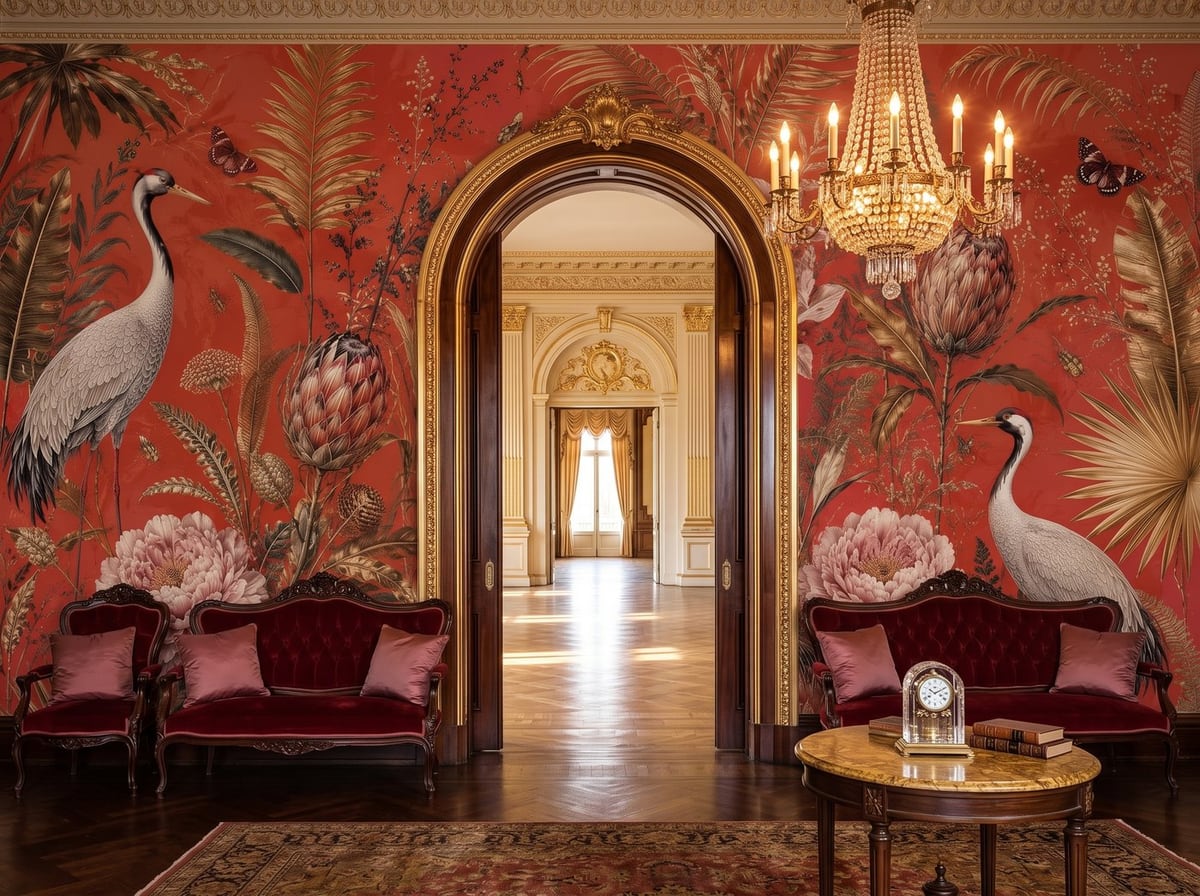
Custom wall: “a tall wall with a wide arched doorway opening onto a ballroom”.
New preset: Curved Wall
The Wall Architecture list also gains a Curved Wall preset: a gently curved feature wall where the pattern follows the curve with realistic perspective. Curved walls are a favourite in hotel lobbies, stair halls and showrooms, and now they are one click away.

Curved Wall sits right after Corner Wall in the list.
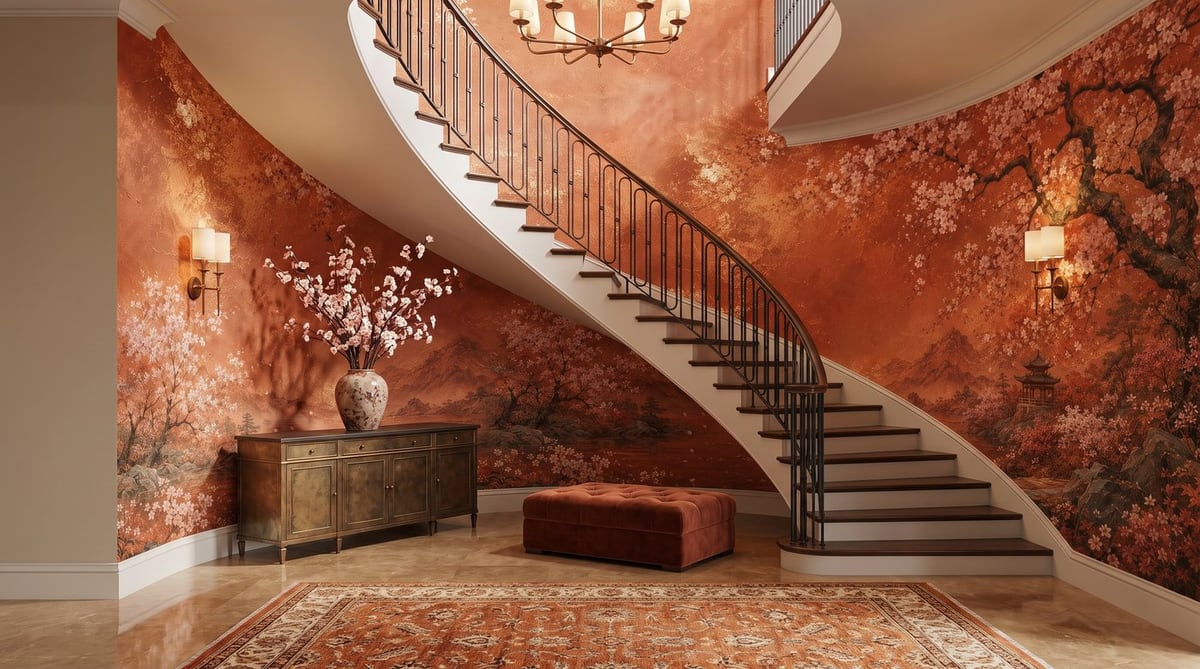
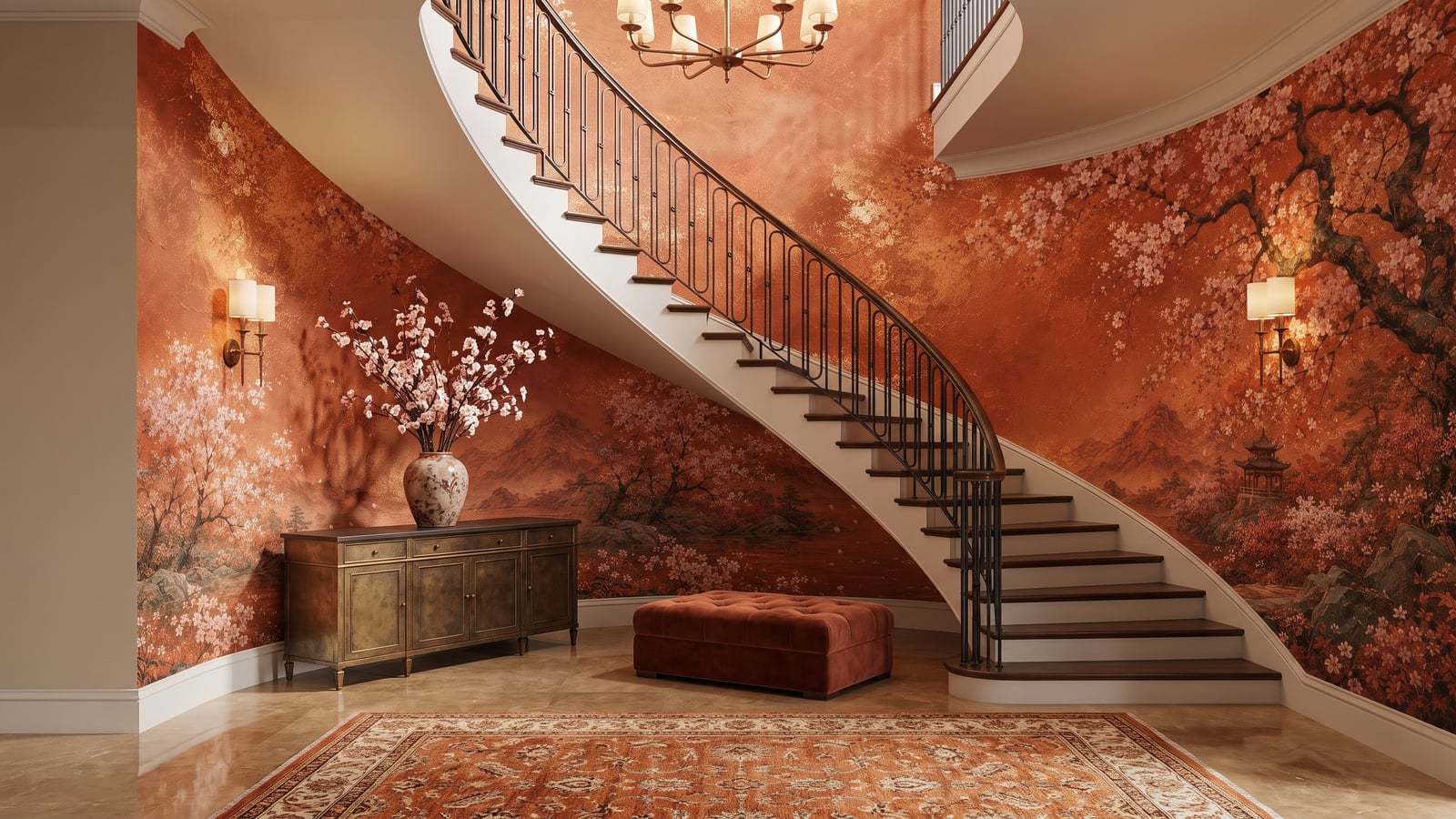
Curved Wall preset with a custom “stair hall” scene; a large-scale mural follows the curve.
Close-up scenes too
Styled Close-up mode has the same Custom… entry in its Scene Composition list, together with a Frame Width control (Near, Medium, Wide) that sets how much wall is in the frame.
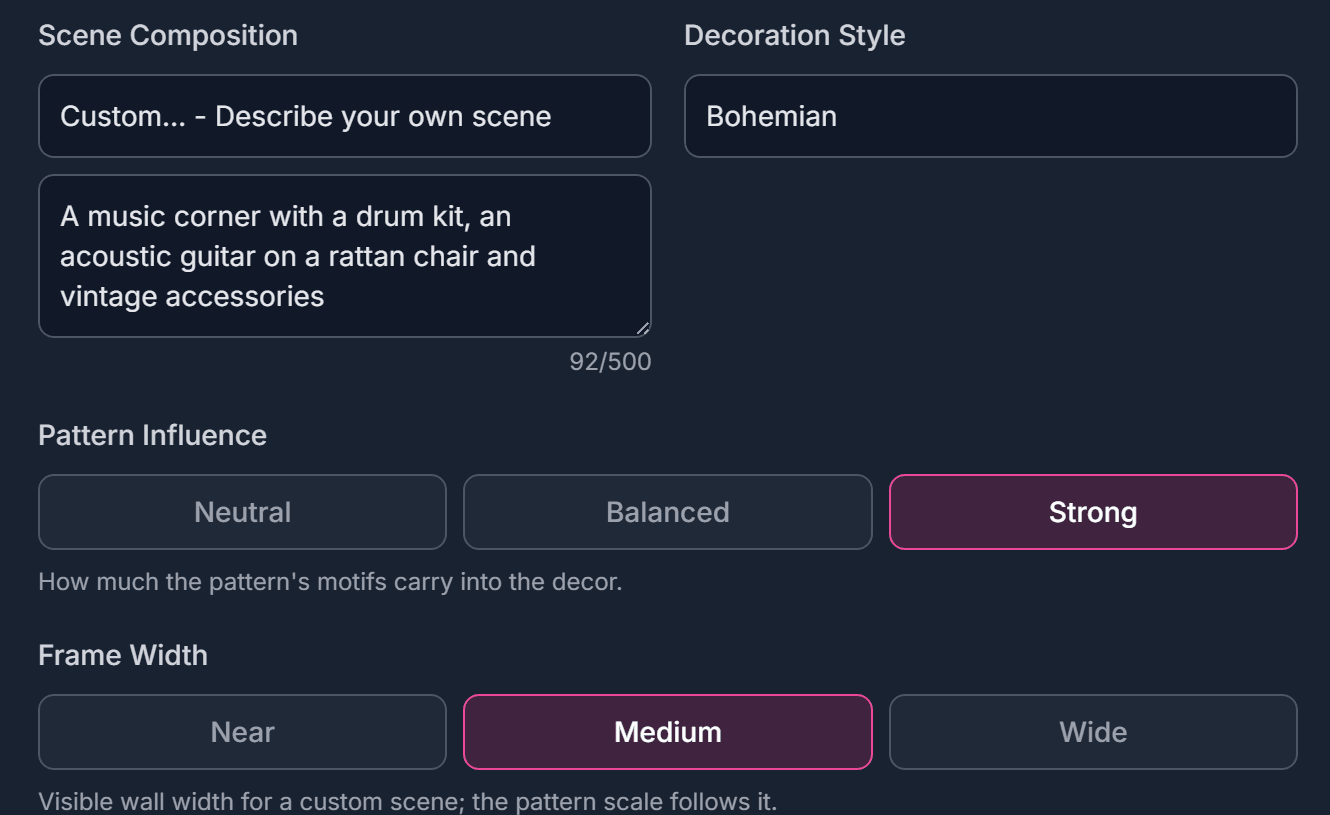
Custom close-up scene with the Frame Width control.
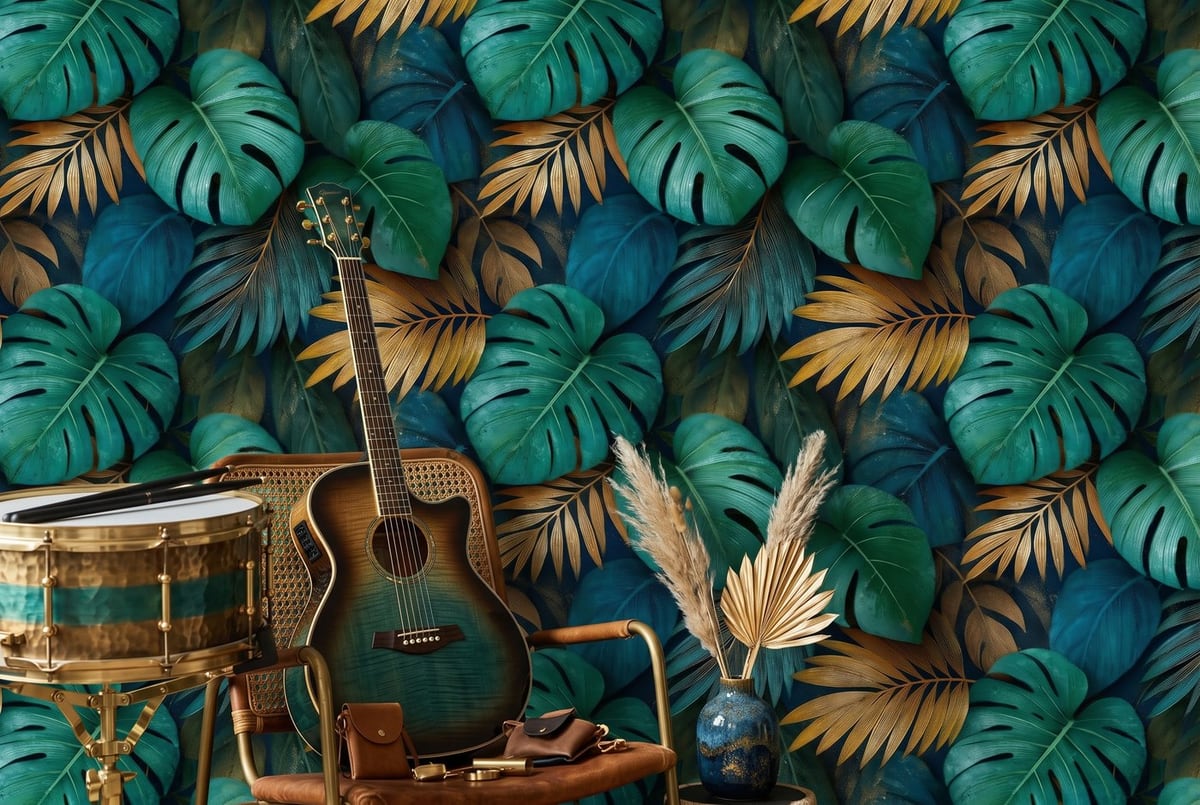
Custom close-up: “a music corner with a drum kit, an acoustic guitar on a rattan chair and vintage accessories”.
Tips for a good description
- Keep it short and concrete: one or two sentences.
- Name the objects and materials you want to see (“brass railings”, “velvet chaise longue”).
- Describe the space, not the wallpaper. The wallpaper always comes from your file.
- In the wall box, describe only the wall: its shape, openings and height.
- You can write in your language.
How to use
- Upload your wallpaper pattern
- Pick Custom… at the top of the Room Type, Decoration Style, Wall Architecture or Scene Composition list
- Write a short description in the box that appears
- Generate. Use Regenerate later to get the same description back
Try it now
Custom scenes, styles and walls are available to all users. Log in, pick Custom… in any list and describe the space you have in mind.